Investigations, as a graph.

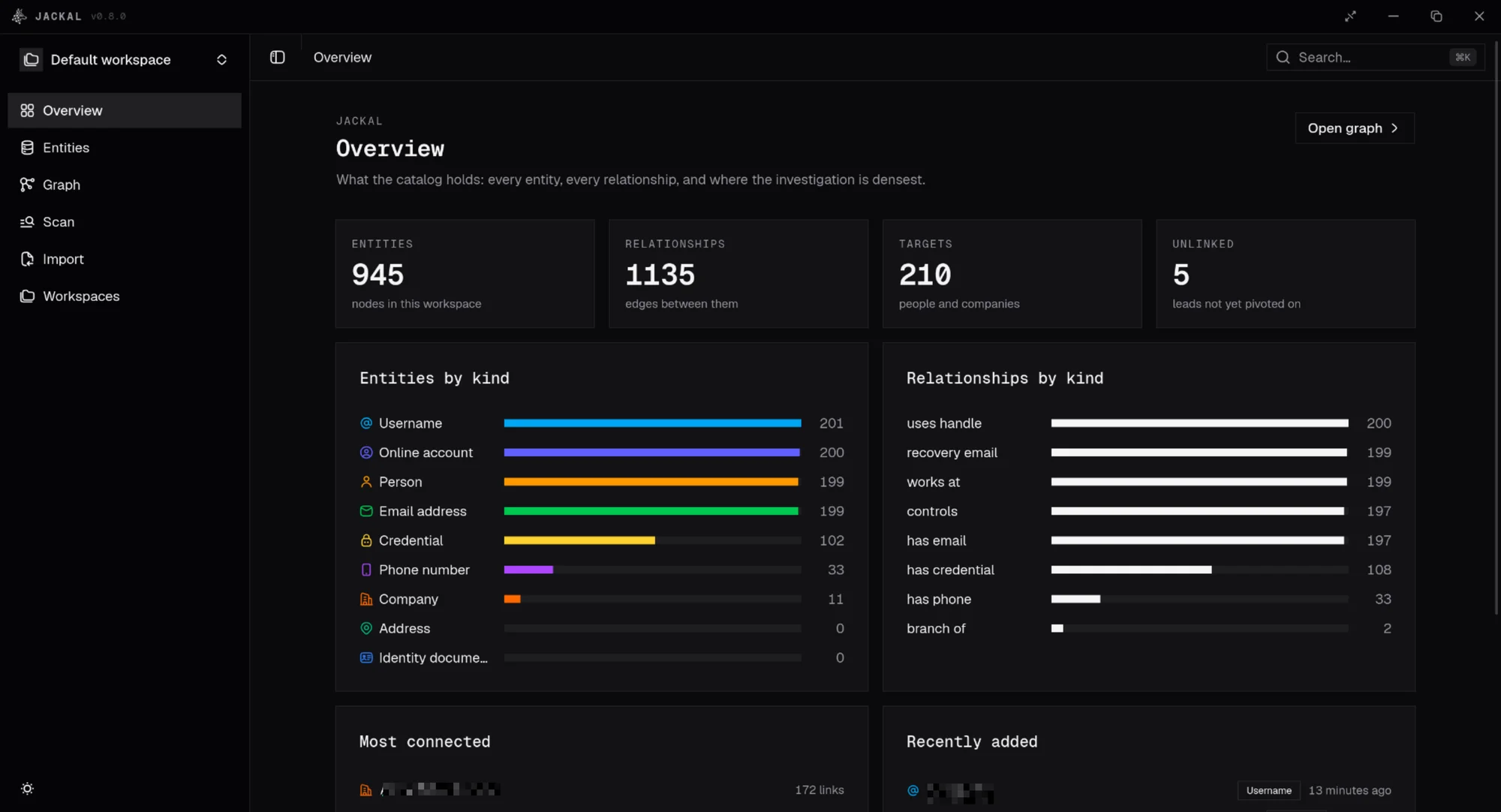
jackal is an encrypted desktop catalog for OSINT and digital forensics. One email address links every target it appears on, and every fact keeps its source.

See how the pieces connect

Targets, identifiers and accounts live in one graph, so the link between two people is a thing you can see and follow.

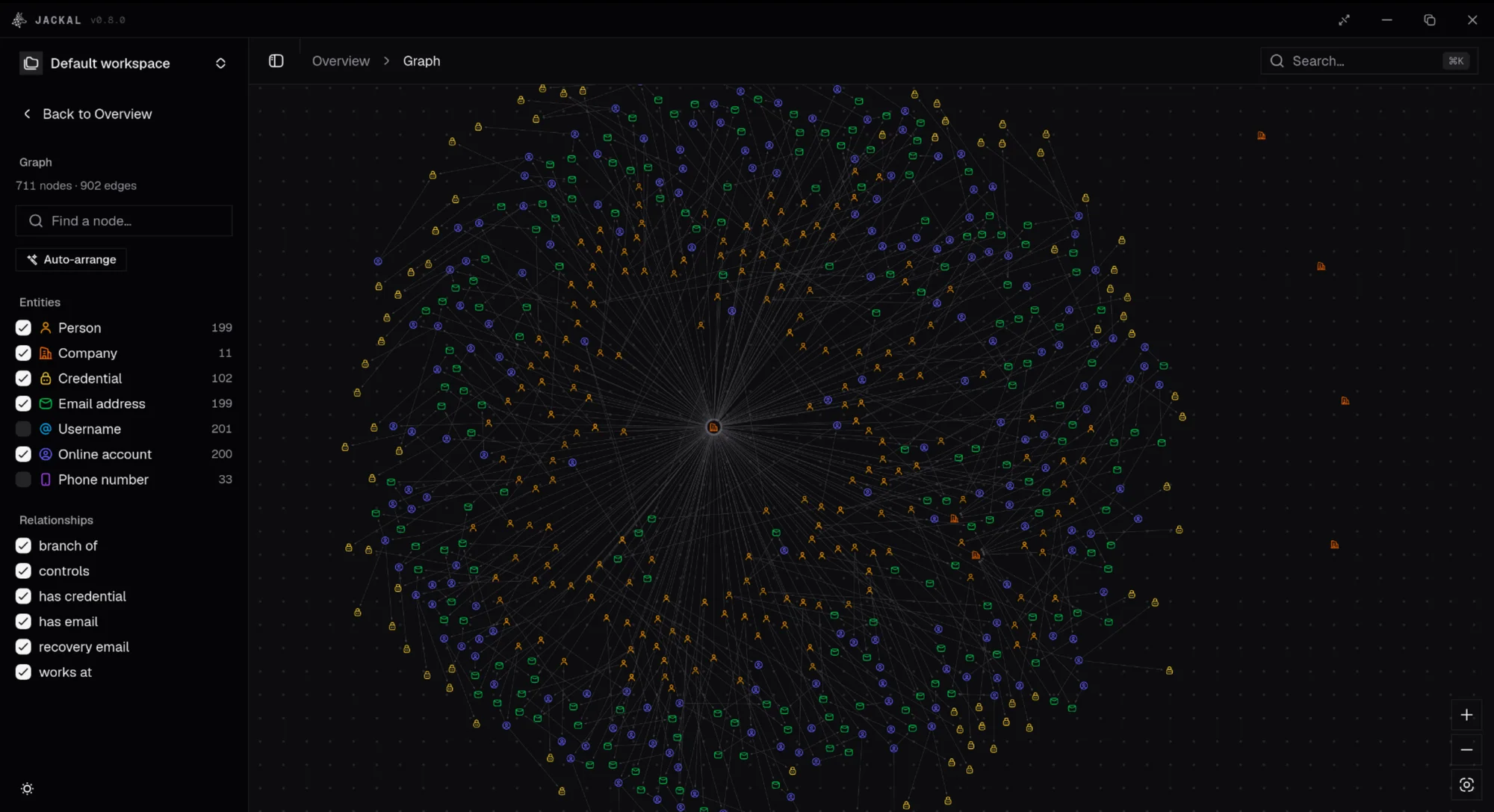
The graph view of a catalog, with entity kinds ticked in the left panel

Walk from node to node

A force-directed canvas of your targets. Expand any entity to see what surrounds it, two hops deep by default, and pivot outward.

Every finding, in one place

Typed, linked and sourced, and kept on the machine you work on.

Shared identifiers connect targets

One email or phone number is one node. A duplicate is refused with the name of the node that already holds it. Pick an identifier to see what it touches (sample data).

j.doe@example.com
  • PersonJ. Doehas email
  • CompanyAcme Ltdhas email
  • Accountforum / jdoe42recovery email

Nine kinds of entity

Each has its own typed fields and its own provenance.

  • person
  • company
  • email address
  • phone number
  • username
  • online account
  • address
  • identity document
  • credential

Every fact has a source

Where it came from, when you saw it and how far you trust it. Conflicts are stored, not resolved.

Encrypted on disk

One SQLCipher file, opened by a passphrase. Nothing leaves the machine except the scans you start.

Username scan

Check a handle against 400+ sites in the background, then import the hits you want.

Workspaces

One space per investigation. Export one, or import a file into another.

A command line, too

The same catalog from a terminal, with JSON output and distinct exit codes.

jackal search "j.doe"
jackal graph neighbours <id> --json
jackal stats --json

From passphrase to pivot

  1. Unlock

    Seconds

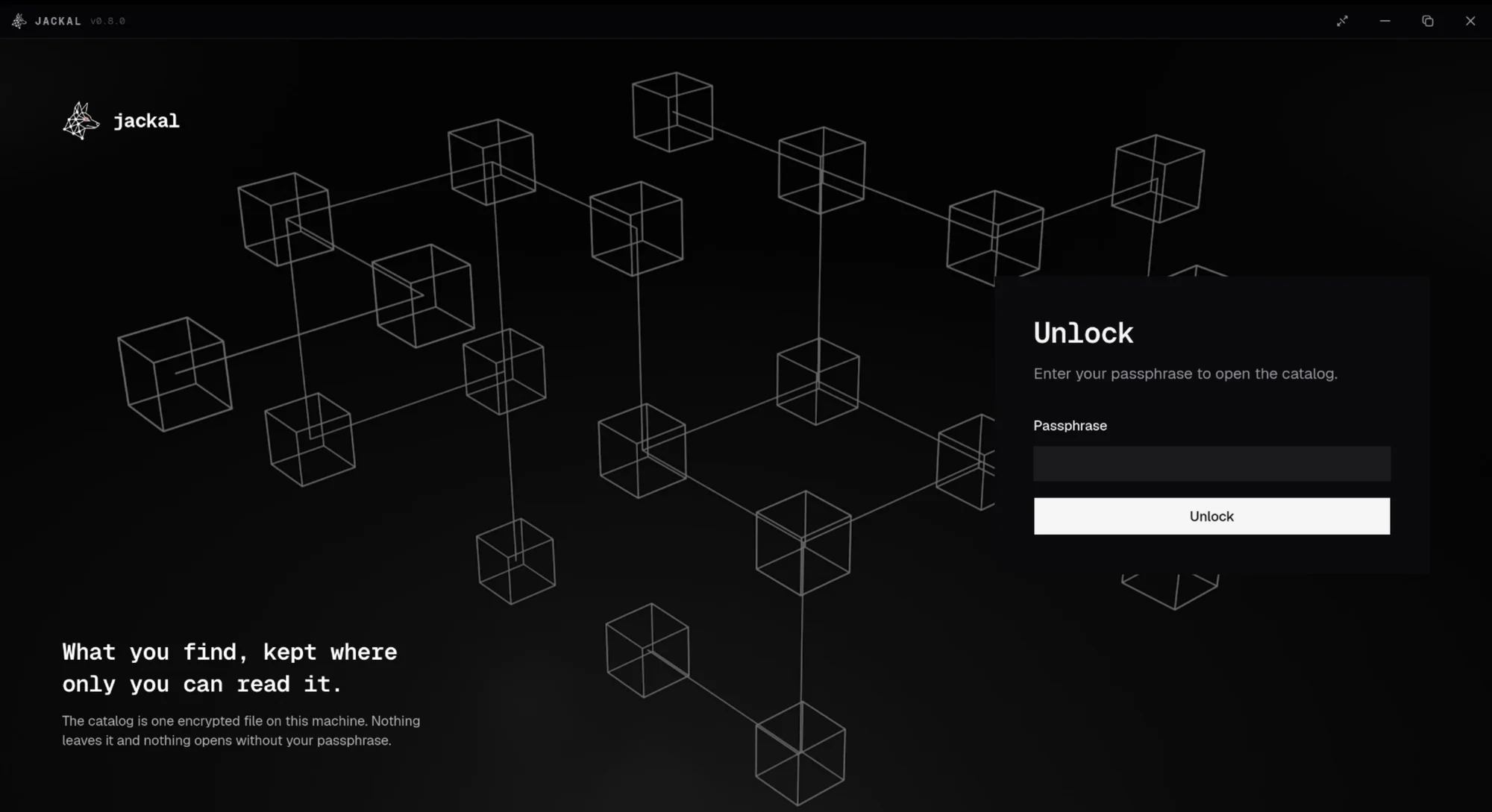
    Type the passphrase. The catalog opens and nothing else does.

  2. Catalog

    Minutes

    Add what you know, or import a JSON file in the bulk format.

  3. Pivot

    The whole case

    Follow shared identifiers across the graph and scan handles for accounts.

  4. Export

    Whenever

    Export a workspace, or script the catalog from the command line.

What you find, kept where only you can read it.

No server, no account. For Linux, macOS and Windows.